Google Business Profile optimization: complete 2026 guide
A fully optimized Google Business Profile is your strongest free SEO asset in 2026. Follow this step-by-step guide to rank higher, attract more clicks, and collect more 5-star reviews.
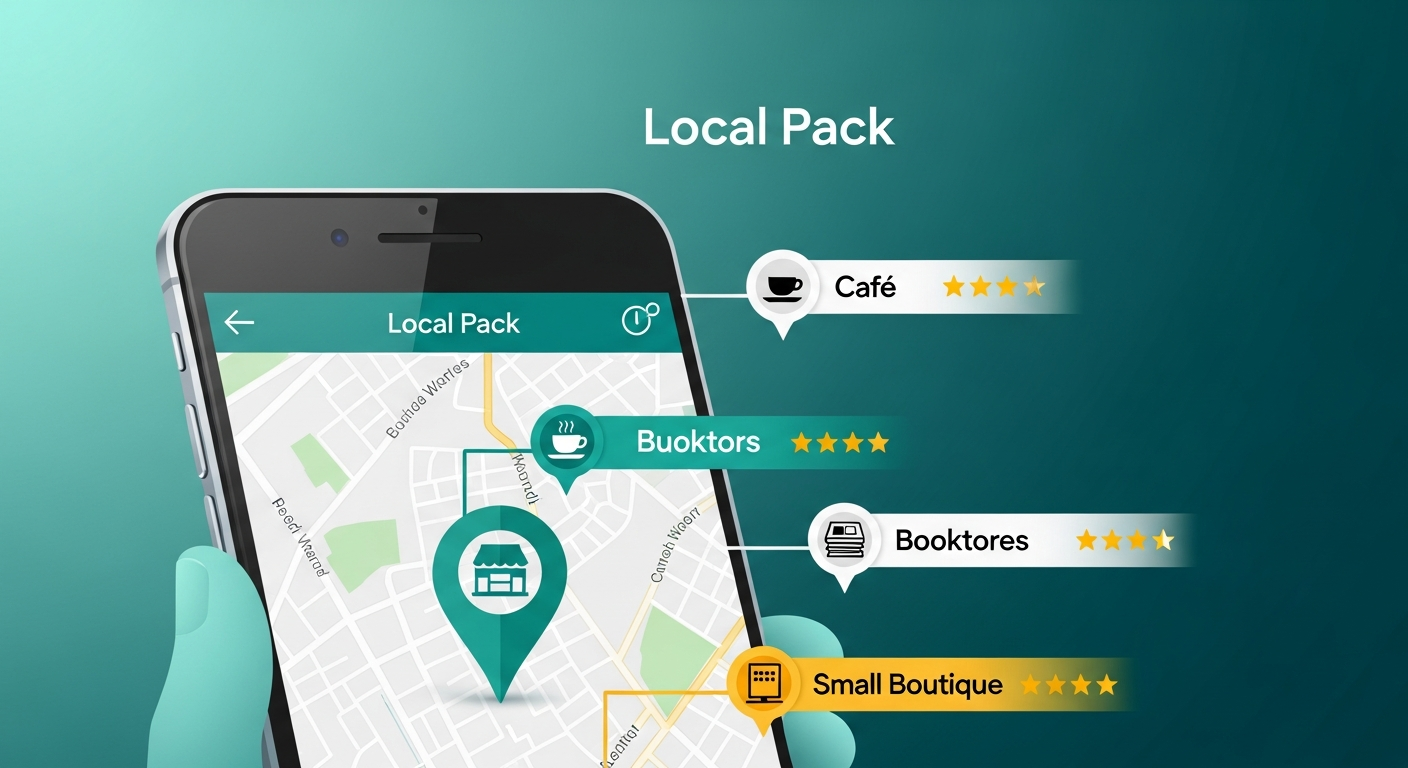
Your Google Business Profile (GBP) is the single most visible piece of real estate Google gives you for free. When a potential customer searches for your type of business near them, your profile appears before any website, any ad, and any social media page. Yet most businesses treat it as a one-time form to fill out and forget.
In 2026, optimizing your GBP is not optional if you want to compete locally. This guide walks through every section of the profile and explains exactly what to do, why it matters for rankings, and how reviews tie everything together.
Why Google Business Profile optimization matters more than ever in 2026
Google's local algorithm weighs three factors when deciding which businesses to show in the Map Pack: relevance, distance, and prominence. You cannot control your physical address, but you can dramatically influence relevance and prominence through profile completeness, keyword usage, photo updates, and, above all, the quantity and quality of your Google reviews.
Studies consistently show that businesses with fully completed profiles receive significantly more calls, direction requests, and website clicks than those with sparse profiles. The gap is not marginal. Incomplete profiles miss clicks that go to competitors who took the extra hour to finish their setup.
Step 1: Complete every section of your profile
Start with the basics that Google explicitly uses for ranking: business name, category, address, phone number, and website. Make sure your business name matches exactly what appears on your signage and official documents. Do not keyword-stuff your business name, Google penalizes this.
- Choose a primary category that precisely describes what you do, then add relevant secondary categories.
- Add your full address or service area, depending on your business type.
- List all your phone numbers and make sure they are active.
- Link to a fast, mobile-friendly website or landing page.
- Set accurate opening hours including public holidays and special hours.
Step 2: Write a keyword-rich business description
Your business description (up to 750 characters) is indexed by Google and read by potential customers. Write it for both audiences. Include your main service keywords naturally in the first two sentences, where they carry the most weight. Mention your location, what makes you different, and the types of customers you serve.
For a restaurant in Paris, for example, you might write: 'Traditional French bistro in the 6th arrondissement specializing in seasonal menus and natural wines. Open for lunch and dinner, with private dining available for groups.' This is specific, keyword-rich, and human-friendly at the same time.
Step 3: Add high-quality photos consistently
Profiles with more than 100 photos receive significantly more views than those with fewer than 10. Google favors active profiles, and regular photo uploads signal activity. Aim to add at least two or three new photos every week.
- Cover photo: your storefront or the most representative image of your business.
- Logo: your official logo, consistent with all other platforms.
- Interior and exterior photos showing the real customer experience.
- Team photos to build trust and humanize your brand.
- Product or menu photos with natural lighting.
- Short videos of up to 30 seconds showing your service in action.
Step 4: Use Google Posts to stay active
Google Posts appear directly on your profile and in search results. They are the equivalent of social media posts but with direct SEO value. Post at least once or twice per week with updates, offers, events, or news. Include a call to action and a relevant image with each post. Posts that include a primary keyword naturally, such as 'book a table', 'get a free consultation', or 'order online', help reinforce your relevance for those searches.
Step 5: Answer questions in the Q&A section
Many business owners ignore the Questions and Answers section, but it is publicly visible and indexed by Google. Anyone can ask a question, and anyone can answer. This means a competitor or a troll could post misleading information if you leave the section unmonitored. Post your own frequently asked questions and answer them yourself to control the narrative and add keyword-rich content at the same time.
Step 6: Make reviews the engine of your optimization
Reviews are the most powerful signal in the local algorithm. They feed into both relevance (through the words customers use) and prominence (through volume and rating). A profile with 200 recent, high-rated reviews will consistently outrank a profile with a perfect description but only 15 reviews.
The most effective way to collect reviews at scale is to remove friction from the process. A QR code at the point of sale, an automated follow-up SMS or email, and a simple link are all proven methods. Rateo takes this further by intelligently routing happy customers to your Google profile while capturing private feedback from those who are less satisfied, protecting your public rating while keeping your review flow steady.
- Ask for reviews immediately after a positive interaction, when the customer's goodwill is highest.
- Make it one tap with a direct link to your review form.
- Respond to every review within 24 hours to signal an active, engaged profile.
- Include service keywords naturally in your review responses.
Step 7: Monitor insights and fix problems quickly
Google Business Profile provides insights on how many people found you, whether they searched by name or category, and what they did after finding you. Review these monthly. If direction requests are low, your photos or description may need updating. If you appear for irrelevant searches, your categories may need refinement. Treat optimization as an ongoing process, not a one-time task.
Common mistakes that hurt your Google Business Profile ranking
- Using a non-exact business name or adding keywords to the name field.
- Listing the wrong primary category or skipping secondary categories entirely.
- Uploading photos once and never adding more.
- Ignoring reviews instead of replying to each one.
- Leaving the Q&A section unanswered and unmonitored.
- Inconsistent NAP (name, address, phone) across the web.
Frequently asked questions about Google Business Profile optimization
How long does it take to see results after optimizing a Google Business Profile?
Most businesses see a measurable improvement in impressions and clicks within four to eight weeks of a thorough optimization. Ranking changes in the Map Pack typically take two to three months, especially in competitive markets. The fastest wins usually come from completing missing sections and uploading fresh photos.
Does responding to Google reviews help SEO?
Yes. Responding to reviews signals to Google that your business is active and engaged. It also encourages more customers to leave reviews and increases the chance they include descriptive keywords that reinforce your relevance.
Can I optimize multiple locations from the same account?
Yes. Google supports multi-location management through Business Profile Manager. Each location needs its own optimized profile with location-specific photos, descriptions, and a consistent review collection strategy for each venue.
Start collecting 5-star reviews automatically with Rateo and put your Google Business Profile optimization on autopilot. Try it free for 14 days.