How to create a google review qr code that customers actually use
A simple and practical guide for creating a Google review QR code that increases the number of positive reviews.
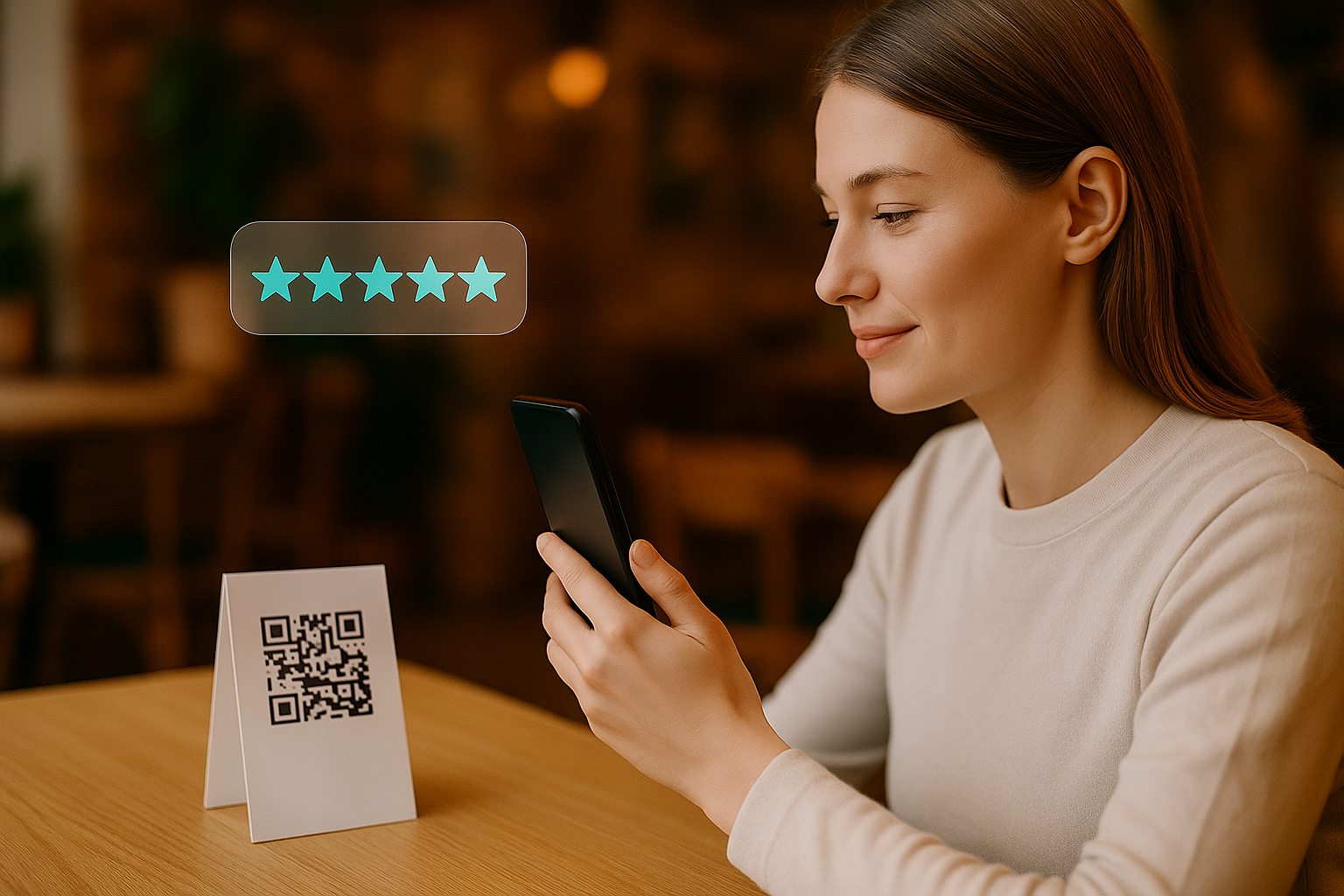
Getting customers to leave reviews is not difficult, but you need to make the process extremely easy. A google review qr code does exactly that. It removes all friction and takes customers directly to the right place.
Here is how to create one that people will actually scan.
Keep it visible and accessible
A QR code only works if people see it. The best places to display it are:
- On the table
- On the bill
- At the exit
- On a small card next to the counter
- Inside delivery bags or packaging
You want the customer to notice it at the moment they feel the experience.
Do not send everyone straight to Google
Sending all customers to Google can backfire. It is much safer to use a Google review request system so people can rate privately first.
The best flow is:
- 1 to 4 stars go to a private feedback page
- 5 stars open your Google review page
This keeps your rating healthy and avoids surprises.
Make the page simple
The page behind your QR code should take less than ten seconds to understand. No long forms, no complicated buttons.
Scan, rate, done.
Keep the tone friendly
Customers love small gestures. A simple line like:
"Your feedback helps us improve. Thank you for your time."
often increases participation.
Final note
A google review qr code is one of the easiest ways to boost reviews. Combined with a review management system, it creates a smooth and professional experience that customers appreciate.