How to ask customers for reviews without being pushy or annoying
Simple and respectful strategies to encourage customers to leave Google reviews without making them uncomfortable or defensive.
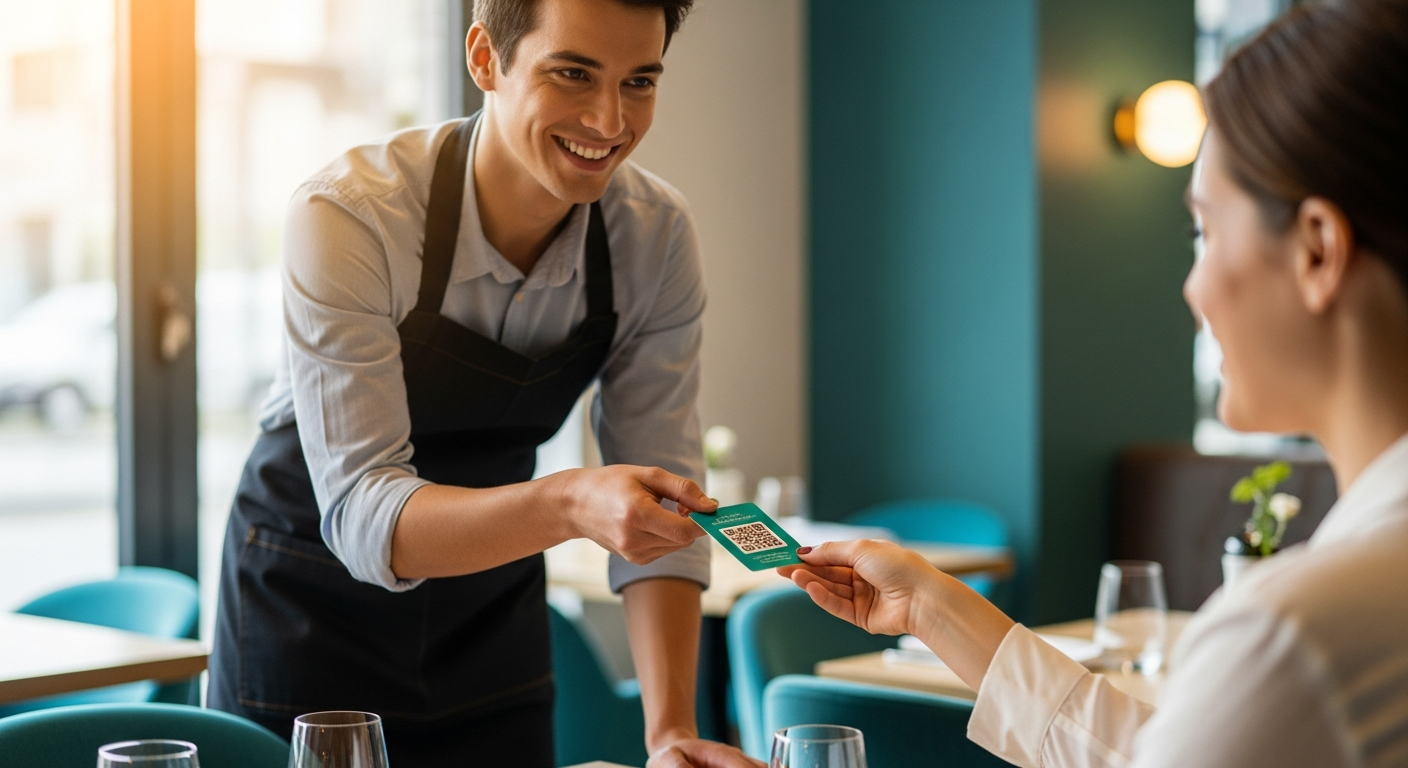
Most business owners want more reviews but hate asking for them. It feels awkward, pushy and sometimes even desperate. The truth is that customers are willing to help, but the way you ask makes all the difference.
Here is how to encourage reviews in a way that feels natural and respectful.
Timing is everything
The best moment to ask is right after a positive experience, when the customer is satisfied and the interaction is fresh in their mind. For restaurants, this could be at the end of the meal. For hotels, during checkout. For clinics, after a successful treatment.
Asking too early or too late reduces the chance they will follow through.
Make it effortless with a QR code
The biggest reason people do not leave reviews is friction. They want to help, but searching for your business on Google takes effort. A google review qr code removes that barrier completely.
Place the QR code where customers will see it naturally:
- On the table or counter
- On the receipt or bill
- Inside packaging or delivery bags
- On a small card handed personally
When scanning takes three seconds, people are much more willing to share their experience.
Use language that feels human
Avoid corporate or begging tones. Instead of saying "We would greatly appreciate if you could take a moment to leave us a review," try something simpler like:
"If you enjoyed your visit, a quick review would help us a lot. Scan here, it only takes a few seconds."
Keep it short, friendly and honest.
Let customers decide privately first
Not every customer had a perfect experience. Asking everyone to leave a public Google review can backfire. This is where a google review filter helps.
Instead of sending everyone directly to Google, let them rate privately first:
- 1 to 4 stars go to a private feedback form
- 5 stars are directed to Google
This protects your rating and gives unhappy customers a safe space to voice concerns without feeling pressured to post publicly.
Never incentivize or manipulate
Offering discounts or rewards for reviews violates Google policies and damages trust. Customers can sense when a request feels transactional. Keep it genuine and your reviews will carry more weight.
Follow up privately if appropriate
If you have the customer's email from a booking or purchase, a simple follow up message a day or two later works well. Keep it short and include a direct link or QR code.
Example: "Hi Sarah, we hope you enjoyed your visit yesterday. If you have a moment, we would love to hear your feedback. [QR code or link]"
Final thought
Asking for reviews does not have to feel uncomfortable. When you make it easy, time it right and use respectful language, most satisfied customers are happy to support you. The key is removing friction and letting people choose how they want to share their feedback.